The “Musaned” electronic platform has made it possible to issue a domestic worker visa electronically, which saves employers and offices a lot of time, as the method of issuing a domestic worker visa has become simple and does not require much effort as it was before.
Advantages of the process of issuing visas electronically
The method of issuing a domestic worker visa is one of the services that has become easily done without obstacles, in order to save time, effort and money, and all of this is done electronically.
This process has many advantages, including:
- Speed: Orders are processed quickly and efficiently.
- Convenience: Applications can be submitted from anywhere and anytime.
- Accuracy: Human errors that may occur in traditional methods are reduced.
- Transparency: The employer can monitor the status of his application in the electronic way to issue a domestic worker visa.
Conditions for issuing a domestic worker visa
Before starting to explain the method of issuing a domestic worker visa, you must make sure that you comply with Musaned’s conditions and controls for issuing a domestic worker visa. You can click here.To read the terms
How to issue a domestic worker visa
With simple steps, you can easily issue a domestic worker visa electronically. Here is a list of the steps:
Registration on the Musaned platform:
Registration is done by accessing the websiteMusaned official
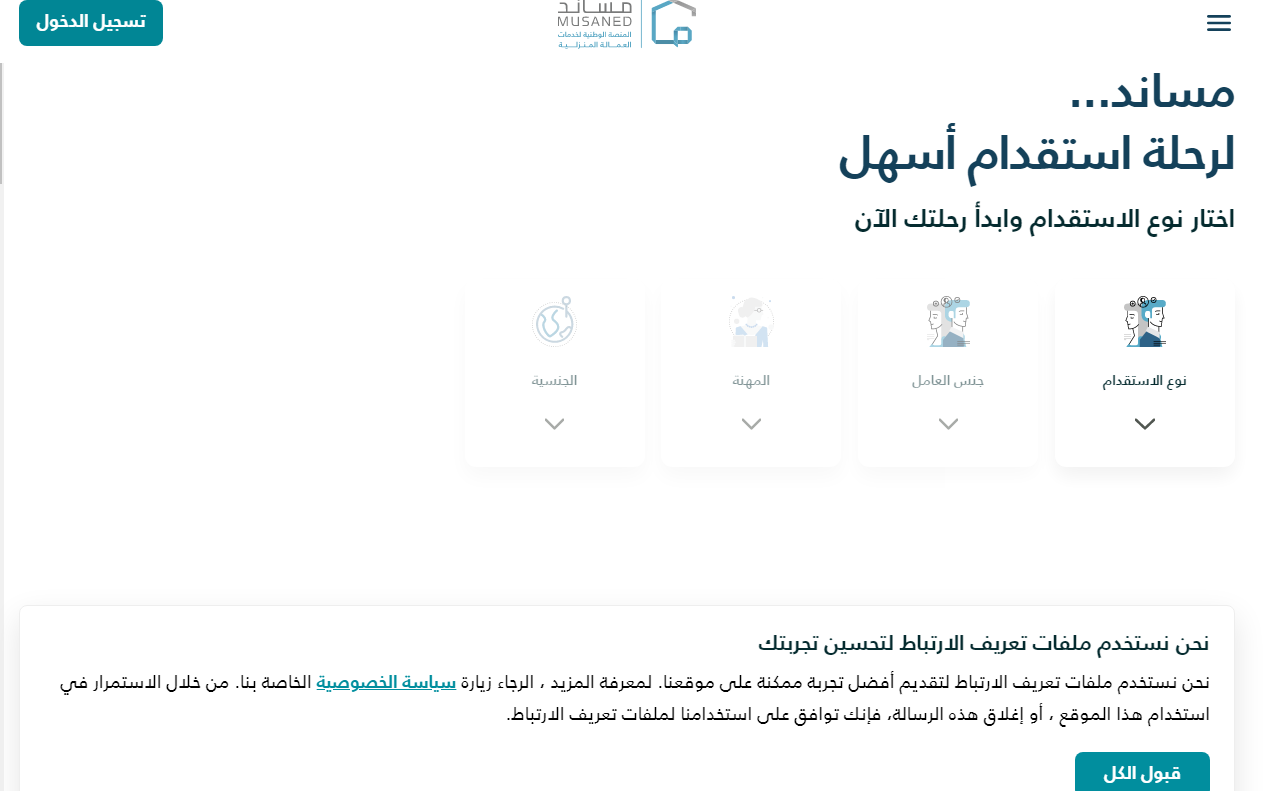
Start registering:
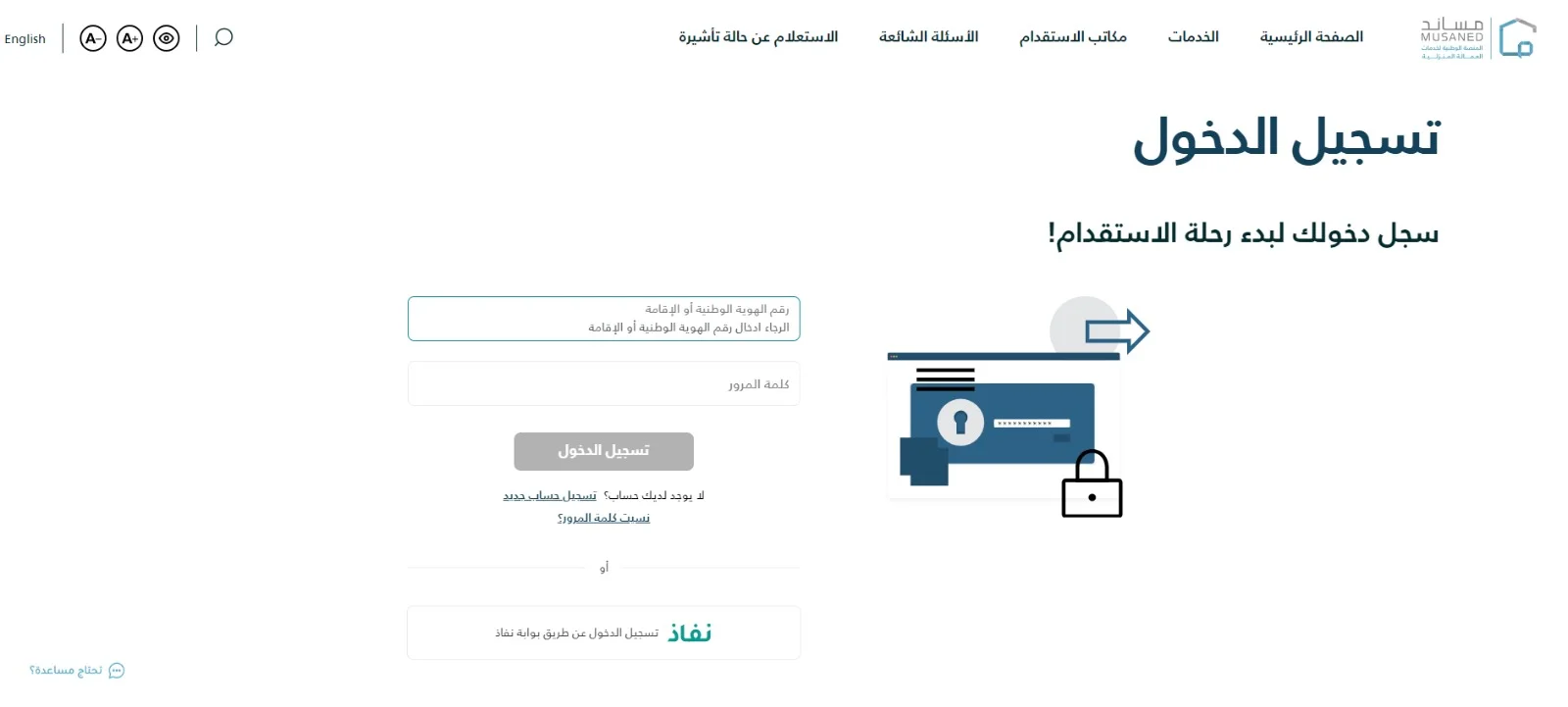
Click on the “Sign in” button located at the top left of the page. If you do not have an account, click on Register a new account.
- Enter personal data to register a new account, including:
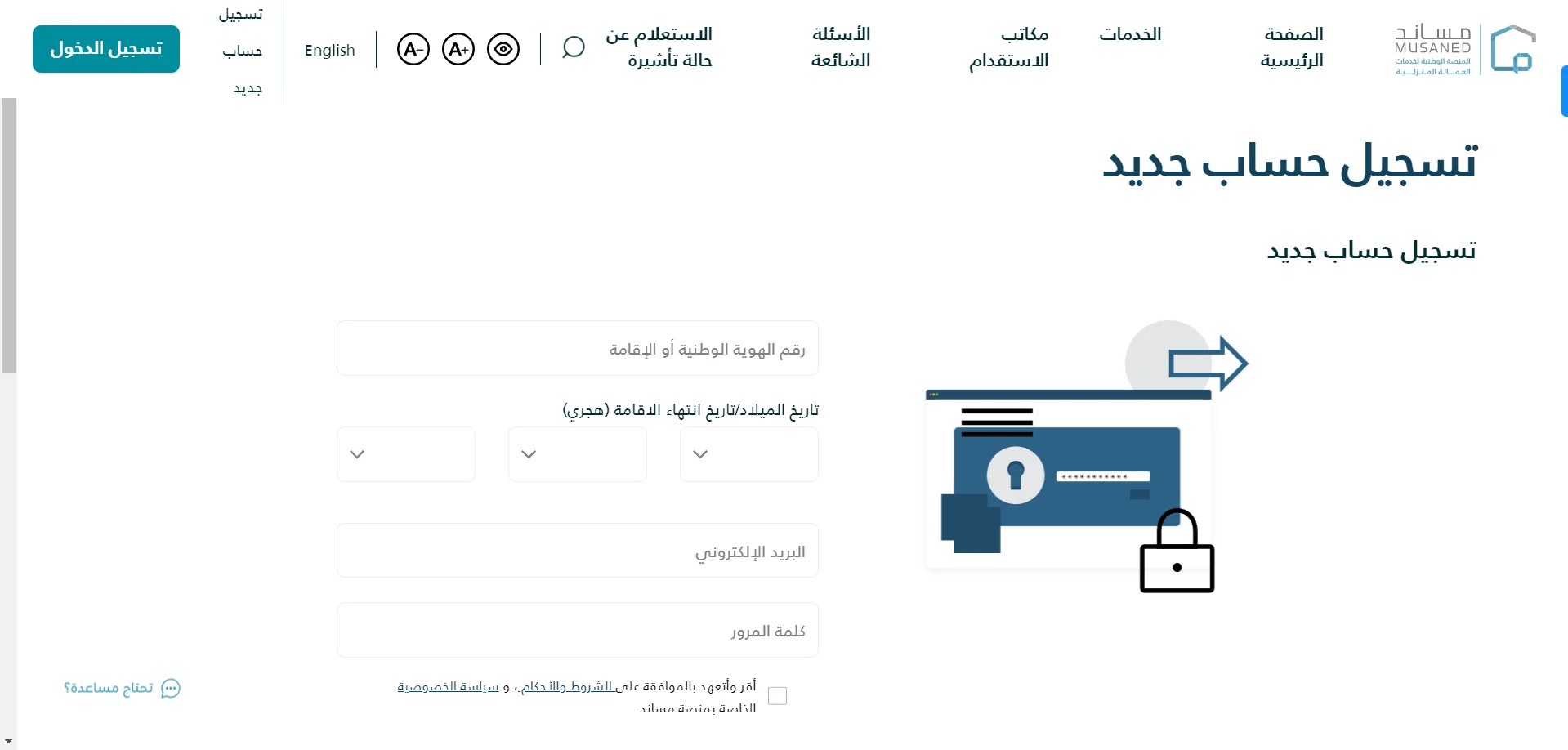 – National ID or residency number.
– Date of birth or expiration date of residency
– Mobile phone number.
– Strong password.
- Make sure you enter all data correctly and accurately.
- Agree to the terms and conditions after carefully reading the terms and conditions of service.
- Click on the “I acknowledge and pledge to agree to the terms and conditions” box to complete the process of issuing a domestic worker visa.
- Account activation:
After completing the registration process, you will receive a message on your phone containing a code to activate your account.
- Enter the code in the message
comments:
- Make sure you use a valid number that you can easily reach.
- Save your password in a safe place.
- If you encounter any difficulties in registering, you can contact the customer support service on the Musaned platform.
- After activating your account, you will be able to: Submit requests to recruit domestic workers.
- Follow up on the progress of recruitment applications.
- Employment contract management.
- Electronic payment of visa fees and services.
- Contact customer support.
Advantages of registering on the Musaned platform
By registering on the Musaned platform, you will be able to benefit from many advantages, including: speed, convenience, accuracy, and transparency.
Fill out the electronic form:
Filling out the electronic form to request a domestic worker visa on the Musaned platform: step by step.
After registering on the Musaned platform, you will need to fill out the electronic form, as it is an important step in issuing a domestic worker visa.
The form consists of several sections, which you must fill out accurately to ensure that your application is processed correctly.
Steps to fill out the electronic form:
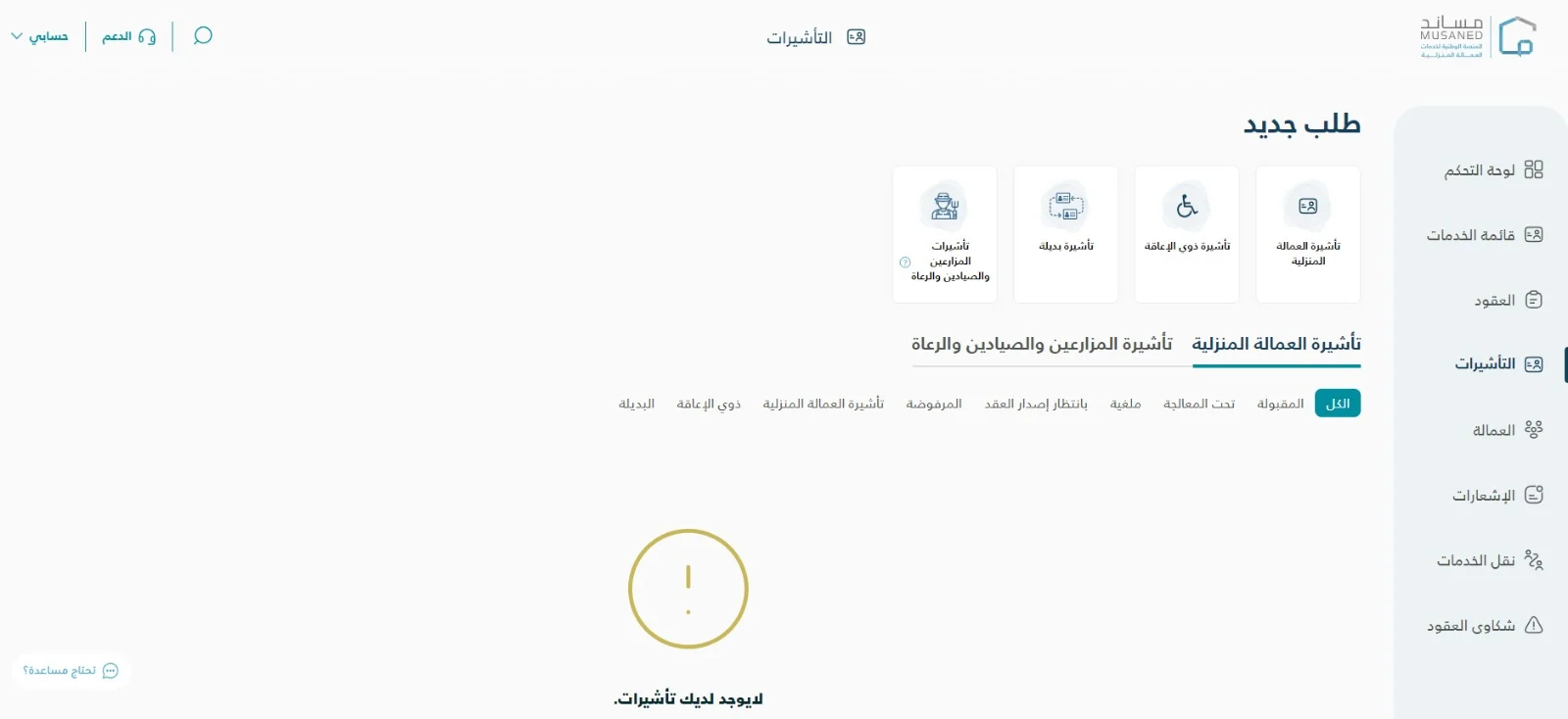
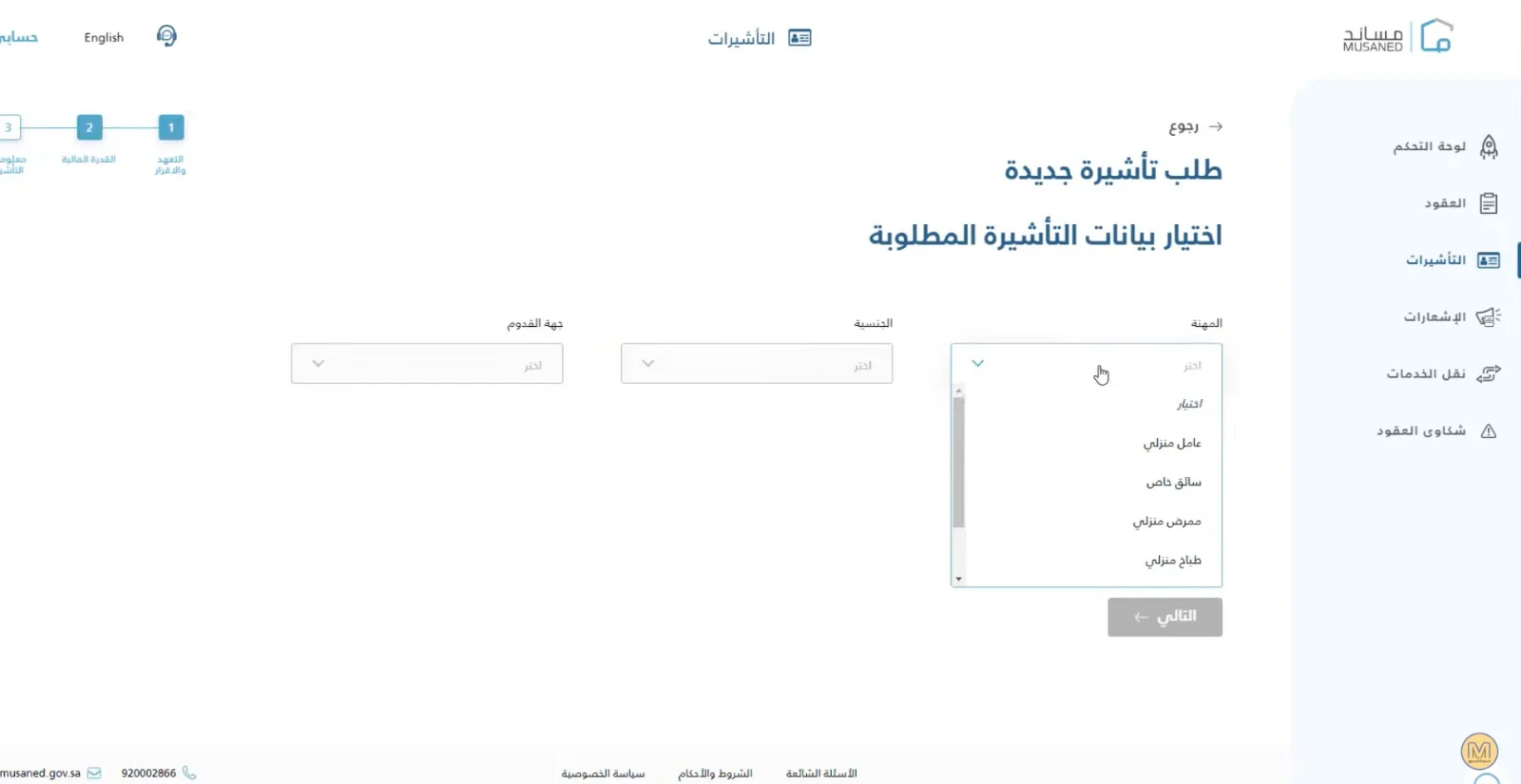
- Access the electronic form:
After logging in to your account on the Musaned platform, click on the control panel at the top of the page on the right
“Then choose from the “Visa” list at the top of the page on the right, then click on “Recruitment Type.”.Read the declaration and pledge carefully, then agree to it
Submit the required documents:
After filling out the electronic form to request a domestic worker visa on the Musaned platform, you will need to submit the required documents to complete the application process.
- Uploading documents electronically:
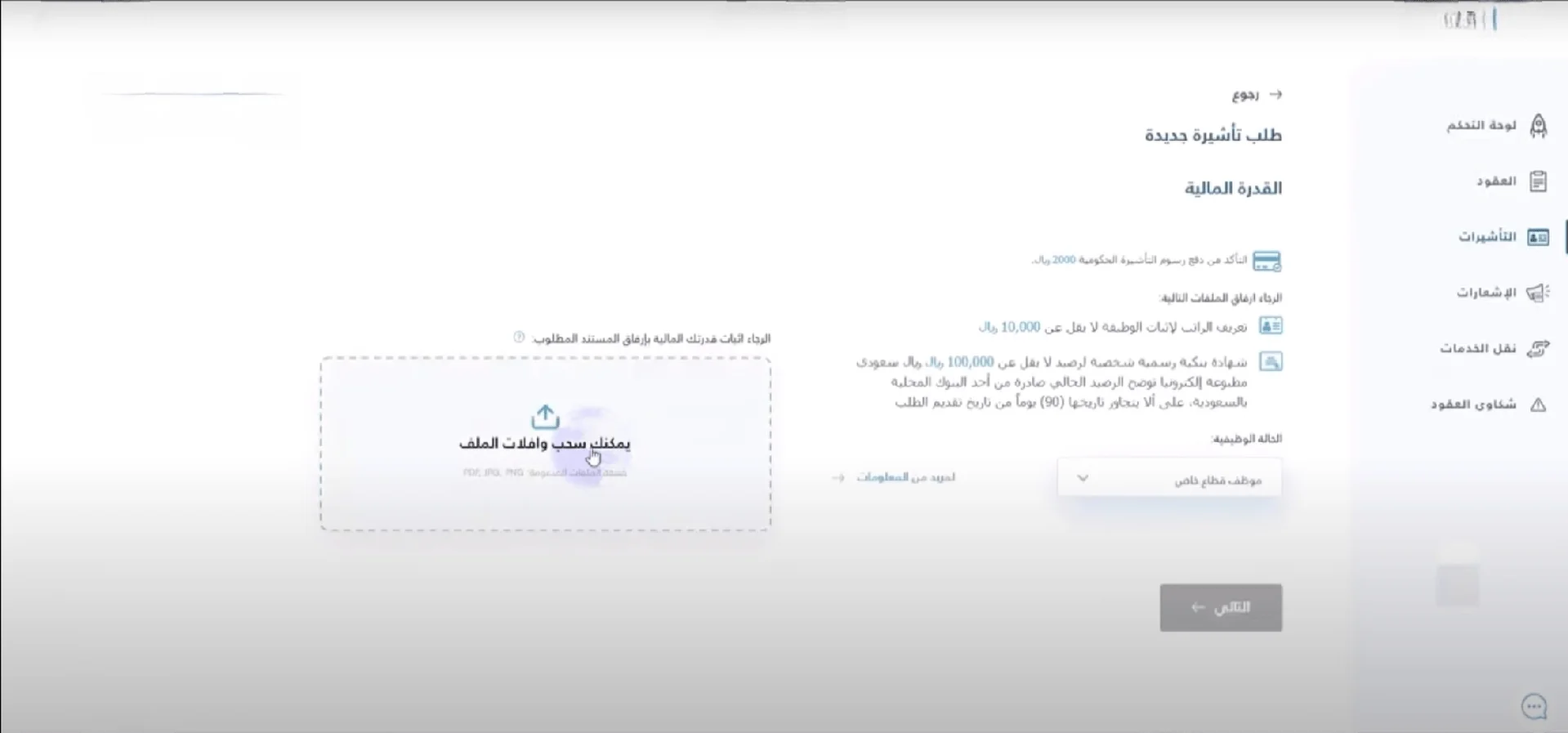
After filling out the electronic form, a page will appear to you that allows you to upload documents to prove financial capacity, provided that it does not exceed three months or that the bank certificate is attached.
- Press the “Browse” button and select document files from your device.
- Ensure that all document files are of appropriate size (no more than 2 MB) and are in PDF or JPEG format.
- Click the “Upload” button to upload the documents to the platform.
- Click on Next. Options for the required visa will appear, such as the profession, the worker’s nationality, and the destination of arrival. Fill in the data according to the worker you want.
Document review:
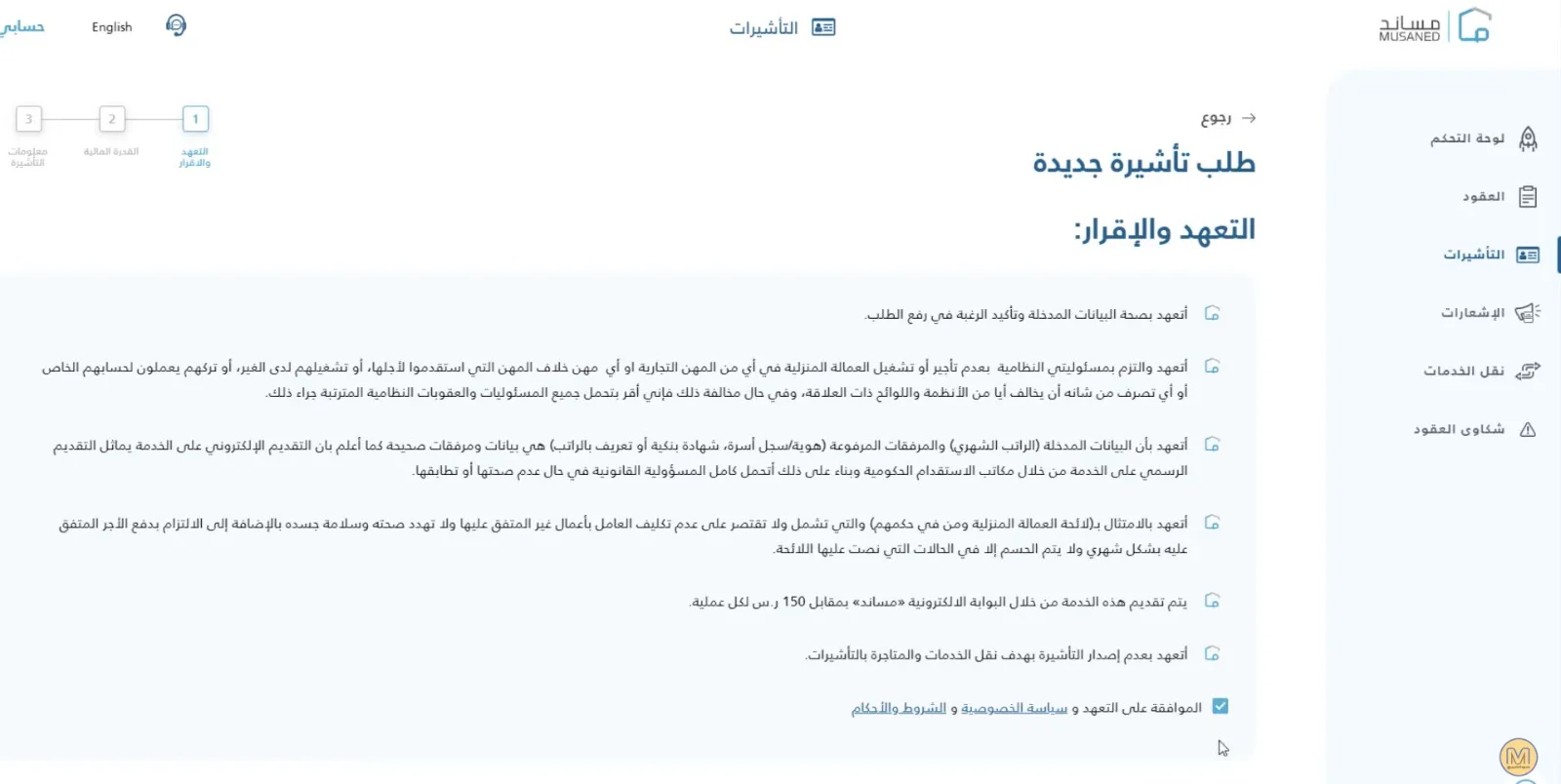
Musaned will review the documents you have submitted to ensure they meet all requirements.
If there are any notes on the documents, you will receive a message to let you know.
You will need to edit and re-upload the documents according to the feedback.
Visa fee payment:
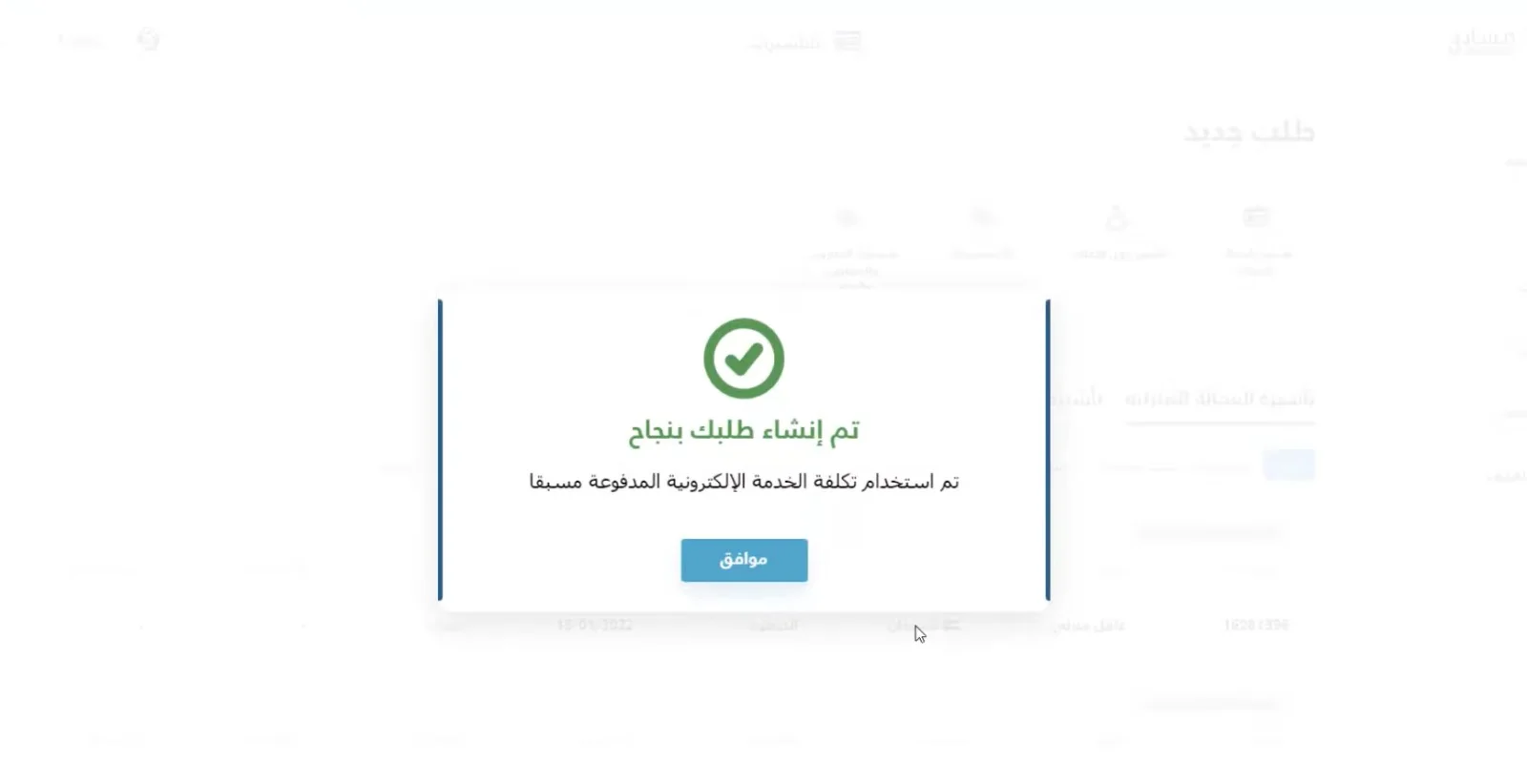
After reviewing and approving the documents, you will see a menu to register your bank account details and name to pay the visa fees.
- Pay the fees using your credit or debit card.
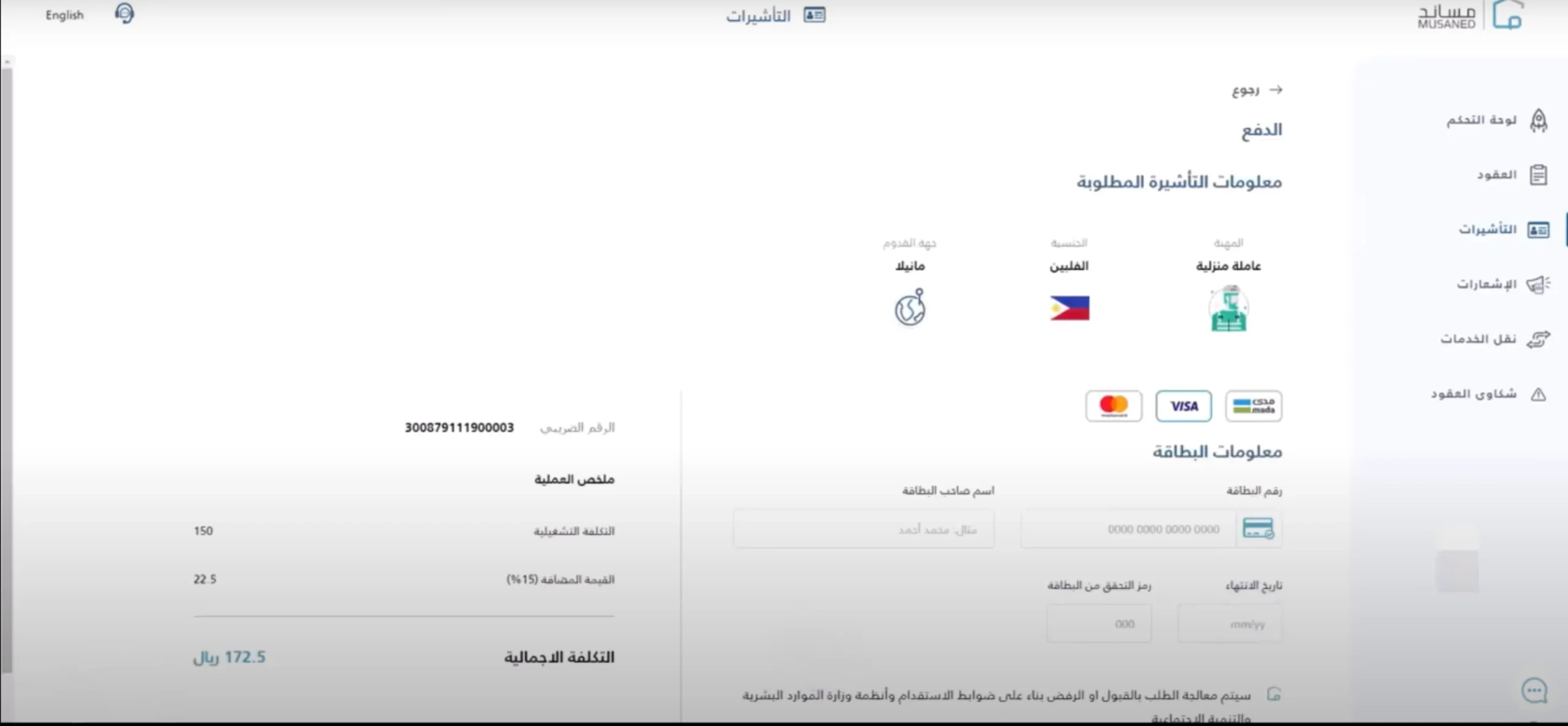
How much is the fee for issuing a domestic worker visa?
The visa fee is a uniform 2000 riyals for all nationalities, and there is a fee for issuing a visa by Musaned 172, including value-added tax.
Notes:
- If you encounter any difficulties in submitting documents, you can contact the customer support service on the Musaned platform.
- By following these steps carefully, you will be able to submit the documents required to apply for a domestic worker visa on the Musaned platform easily.
Additional tips:
- Be sure to keep copies of all documents you provide.
- Keep your order number in a safe place, as you will need it to track the status of your order.
- Contact the customer support service on the Musaned platform if you have any questions or inquiries.
Continue Request
After submitting a domestic worker visa application on the Musaned platform,
You can follow the status of your order through your account on the platform.
Steps to follow up on the order:
- Log in to your account:
Open Musaned website
Enter your username and password.
Click the “Log in” button.
- Access your orders page:
Click on the “Domestic Labor Services” icon.
Select “My Orders”.
View order details:
Select your order from the order list.
A page will appear containing all the details of your order.
Such as the status of the application, date of submission of the application, fees paid, and attached documents.
Follow up on order status:
The status of your order will change from “Pending” to “Processing”
To “Approved” or “Rejected” depending on the progress of the review process.
You will receive emails notifying you that the status of your order has changed.
Download domestic worker visa:
If your application is approved, you can download the domestic worker visa from the application details page.
Make sure to print the visa and present it to the domestic worker to complete her papers
Additional tips from Wafd Company:
- Keep your order number in a safe place, as you will need it to track the status of your order.
- Make sure that all your data and that of the domestic worker are correct and accurate.
- Contact customer support on the Musaned platform.
- If you encounter any difficulties in proceeding with your order.
The issue of visas and recruitment must be dealt with with highly experienced and efficient offices. You can also communicate with the Wafd Company approved by Musaned and the Ministry of Human Resources to facilitate the process of recruiting domestic workers. You are also available to you at the Wafd Company for workers of different nationalities, as we seek to provide all services and facilitate our customers and complete all our legal procedures.